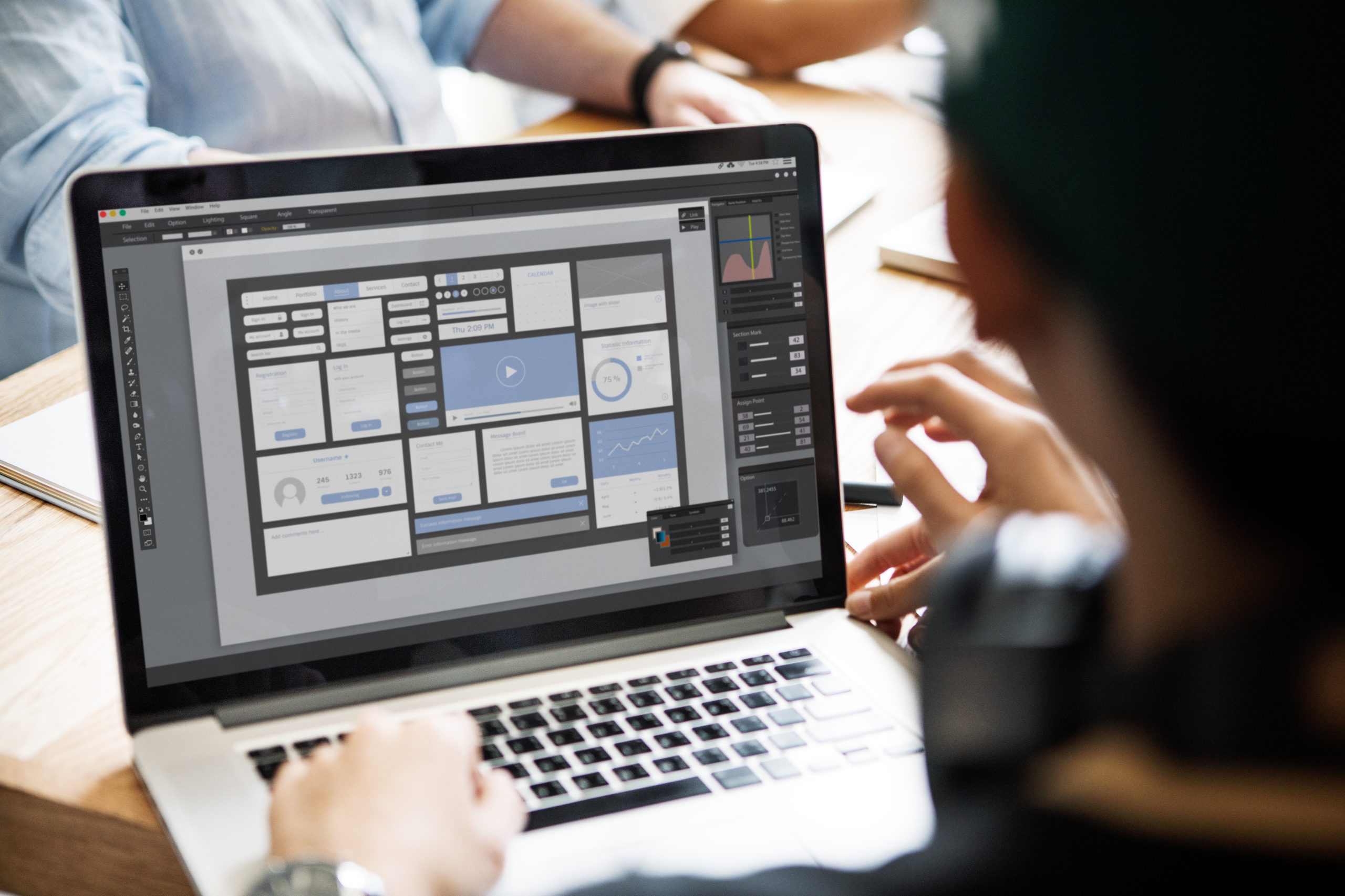
1. Client Inquiry & Initial Contact Receive Inquiry: Collect details about the client’s project needs (e.g., website redesign, new web app, specific UX challenges). Respond to Inquiry: Provide an overview of your design approach and arrange an initial consultation. Initial Consultation: Meet to understand the client’s goals, target audience, and requirements. 2. Project Definition & Planning Define Project Scope & Objectives: Outline primary goals, user needs, and success metrics like usability and conversions. Gather Requirements: Document features, technical specifications, design preferences, and brand guidelines. Project Proposal & Agreement: Present a proposal detailing scope, timeline, deliverables, budget, and terms for client. 3. Research & Analysis User Research: Conduct interviews, surveys, or market research to understand the target audience. Competitive Analysis: Review competitor websites and industry trends to gather ideas and avoid common pitfalls. Create User Personas: Develop personas based on user research, representing key user segments and their goals. Define User Journey & Flow: Map out the user journey and identify key touchpoints, actions, and pain points. 4. Wireframing & UX Design Develop Wireframes: Create low-fidelity wireframes to outline layout and content organization. Create User Flows: Design intuitive user flows to guide users through key interactions. Feedback & Iteration: Share wireframes for client feedback, refining based on usability input. 5. UI Design & Prototyping Design High-Fidelity Mockups: Create polished mockups with branding, colors, and typography. Develop Interactive Prototype: Build a clickable prototype to simulate user interactions and test the flow of the design. Client Review & Revisions: Present the design prototype for client review, collecting feedback and making revisions as necessary. 6. Design Handoff & Development Prepare Design Specs: Provide detailed specifications on font sizes, spacing, colors, and responsive layouts. Handoff to Development: Collaborate with developers to ensure design consistency and address technical queries. Support & QA: Assist in troubleshooting design issues, adjusting layouts for responsiveness, and optimizing accessibility. 7. Testing & Quality Assurance (QA) Usability Testing: Conduct usability tests with real users or team members to identify issues in user flow or interaction. Cross-Browser & Device Testing: Verify that the design functions well across different devices and browsers. Iterate & Refine: Based on feedback, make any final adjustments to improve usability and visual appeal. 8. Launch & Post-Launch Support Prepare for Launch: Work with the development team to ensure smooth deployment and address final tech needs. Launch the Website: Go live and verify that everything functions as expected. Monitor Post-Launch Metrics: Track user engagement metrics like bounce rates, click-through rates, and conversions to evaluate design success. 9. Ongoing Maintenance & Optimization Collect User Feedback: Continue gathering feedback to identify potential improvements or new features. Implement A/B Testing: Conduct A/B testing to optimize key design elements for conversions and usability. Offer Ongoing Support & Updates: Provide maintenance services, including security updates, content updates, and iterative design enhancements.